
In this article
- 1. Get your review link first
- 2. Ask at the right moment
- 3. Ask in person, send the link in writing
- 4. Send one reminder, then stop
- 5. Ask everyone, not just the happy ones
- 6. Put the link where customers already look
- 7. Reply to every review
- What not to do: the rules that cost you reviews
- Make it automatic
- FAQ
Short answer: ask every customer, right after the job is done, with a direct link that takes them straight to your Google review box. Keep the ask short and honest, send one reminder, and never offer anything in return.
Most contractors don’t have a reviews problem. They have an asking problem. The work is good and the customers are happy, but nobody asks, so nobody writes anything.
Asking can feel awkward. You don’t want to sound needy, and you don’t want to chase people. The good news is that the best way to ask is also the least pushy one: make it easy, ask once, and let the customer decide.
Here’s how to do that, plus the few rules that can get your reviews deleted if you break them.
1. Get your review link first
Everything below depends on one thing: a link that opens your review box in one tap. Customers won’t search for your business and scroll to find the review button.
Google gives you this link for free. Open your Business Profile, select Read reviews, then Get more reviews, and copy the link. The same screen gives you a QR code you can download.
Save the link somewhere you can grab it fast, like a text shortcut on your phone.
2. Ask at the right moment
The best time to ask is when the customer is happiest. For most trades, that’s one of these:
- The final walkthrough, when they see the finished job
- When they thank you or say something nice
- When the final payment clears
Wait a week and the moment is gone. The customer has moved on, and your email looks like spam.
3. Ask in person, send the link in writing
A quick word in person does most of the work. The written message just makes it easy to follow through. Here’s a simple version to say at the walkthrough:
“Glad you’re happy with it. Reviews are how most of our new customers find us. Would you mind leaving us an honest one on Google? I’ll text you the link so it only takes a minute.”
Then send the link the same day. Keep it short:
Text: Hi [Name], thanks again for having us out for [job]. If you have a minute, an honest Google review helps us a lot: [link]. Thanks! – [Your name], [Company]
Email subject: Thanks from [Company]
Hi [Name], thanks for choosing us for your [job]. If you have two minutes, we’d really appreciate an honest review on Google. It helps neighbors find a contractor they can trust. Leave a review: [link]. Thanks, [Your name]
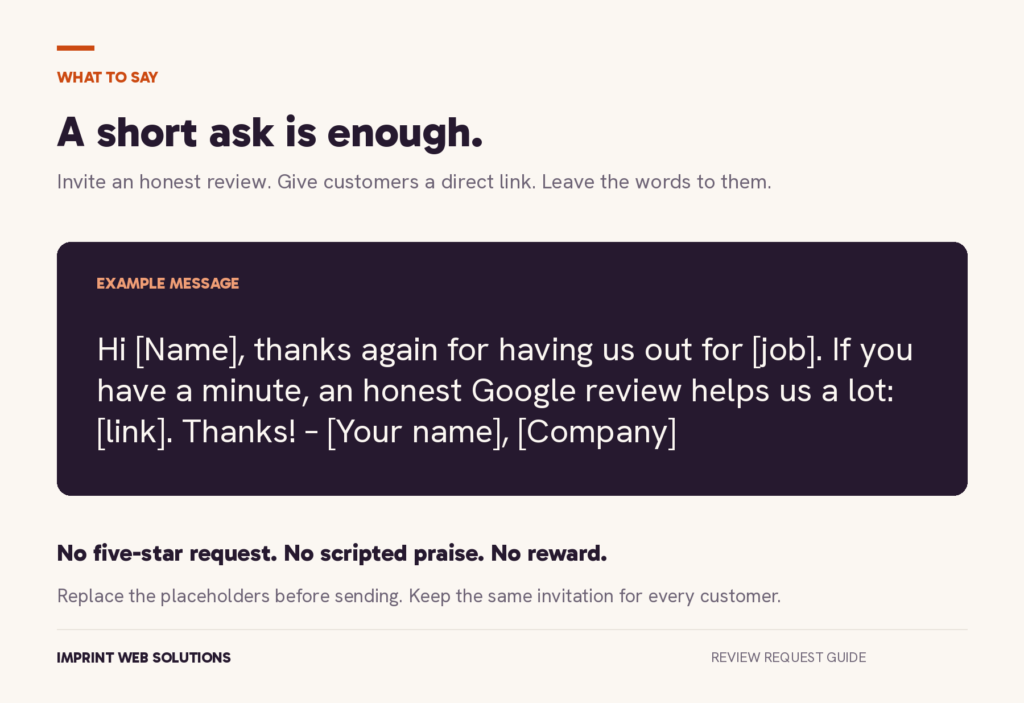
Notice what these don’t say. They don’t ask for five stars, and they don’t tell the customer what to write. That’s on purpose (see the rules below).
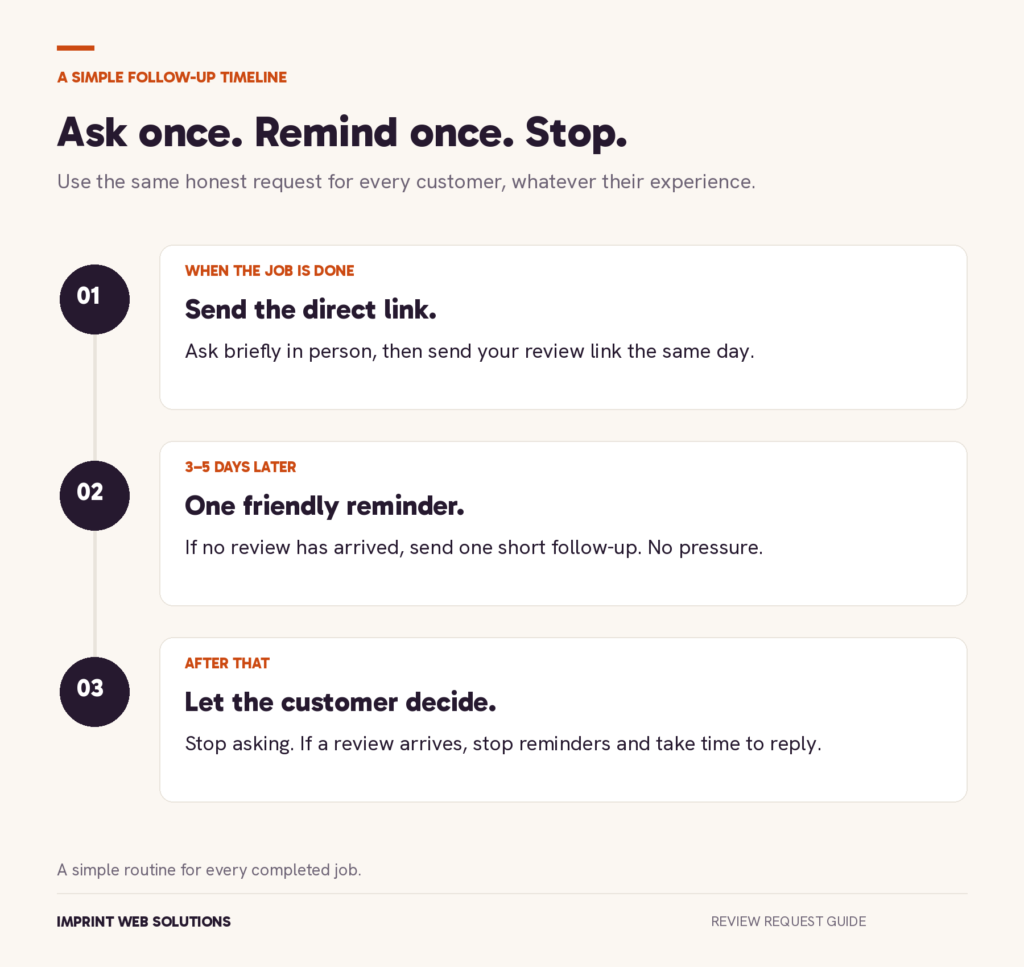
4. Send one reminder, then stop
People mean to leave a review and forget. One friendly reminder three to five days later is fine:
Hi [Name], just a quick reminder in case it got buried. If you have a minute, here’s the link to leave us a Google review: [link]. No worries if not. Thanks again!
After that, let it go. A second or third reminder is where asking turns into pushing.
5. Ask everyone, not just the happy ones
It’s tempting to only ask the customers you know loved the job. Don’t. Google’s rules say you can’t selectively ask happy customers for reviews (more on that below).
Asking everyone is also simpler. You don’t have to guess who’s happy, and your reviews end up showing your real work.
6. Put the link where customers already look
Google itself suggests adding your review link to thank-you emails, chats and receipts. A few easy spots for trades:
- The bottom of your invoice or receipt
- Your email signature
- A small card with the QR code, left with the paperwork
- The “thanks” page on your website after someone books
These spots ask for you, every time, without you saying a word.
7. Reply to every review
Thank people for good reviews by name, and mention the job when you can. Answer bad reviews calmly and offer to fix the problem offline.
Replies show future customers you pay attention. They also remind past customers that reviews actually get read.
What not to do: the rules that cost you reviews
Google removes reviews that break its fake-engagement policy, and it can put restrictions on your Business Profile too. These are the big ones for small businesses:
- No rewards for reviews. No discounts, gift cards, free service or raffle entries. This applies even if you only ask for an honest review, not a good one.
- No asking only happy customers. Google says businesses can’t “selectively solicit positive reviews.” A common version is sending a “How did we do?” survey and only giving the Google link to people who answer well. That’s called review gating, and it isn’t allowed.
- No pressure on site. Google says you shouldn’t require or pressure customers to review while you’re still there. A friendly ask is fine. Standing over them while they type it isn’t.
- No telling them what to write. Don’t ask for five stars or hand them words to use.
- No reviews from you or your crew. Owners, employees and family reviewing your own business count as a conflict of interest.
There’s a federal rule too. The FTC’s rule on fake reviews took effect October 21, 2024. Among other things, it bans offering rewards for reviews that say something positive (or negative), and it bans using threats or intimidation to stop or remove bad reviews.
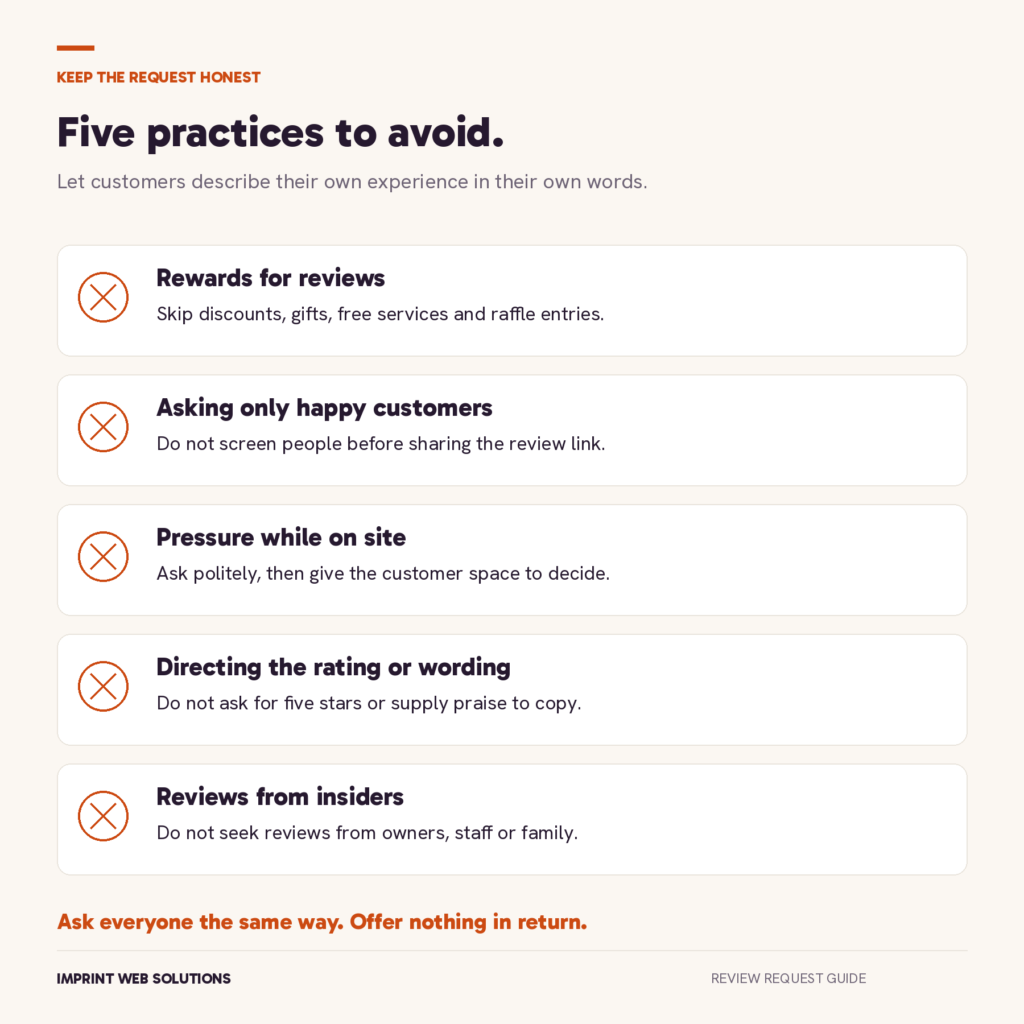
The easy way to stay safe: ask every customer the same way, offer nothing in return, and let them say whatever they want.
Make it automatic
All of this works. The hard part is doing it after every single job, when you’re tired and already thinking about the next one.
That’s why we built review requests into our Website Care Plan. When a job is done, your customer gets a short email with your Google review link. If they don’t respond, they get one friendly reminder, and then it stops. You get an email alert when a new review comes in, so you can reply fast.
Every customer gets the same message, so you’re never picking and choosing who to ask. No rewards, no pressure, no extra work for you.
See how Automated Review Requests work →
Comparing your options? Here’s what a small business website costs, from doing it yourself to a monthly plan.
Not sure your website is helping you win jobs? Get a free site review and we’ll tell you what to fix.
FAQ
Can I offer a discount for a Google review?
No. Google doesn’t allow any reward for reviews, even if you only ask for an honest one.
Is it OK to ask for a review in person?
Yes. A friendly ask is fine. Just don’t pressure the customer or make them do it while you’re standing there.
Can I use a QR code?
Yes. Google gives you one on the same screen as your review link.
How many times should I ask?
Once, plus one reminder a few days later. After that, let it go.
Can my employees or family leave reviews?
No. Google treats that as a conflict of interest and can remove those reviews.